
The app that turns chores into small wins.
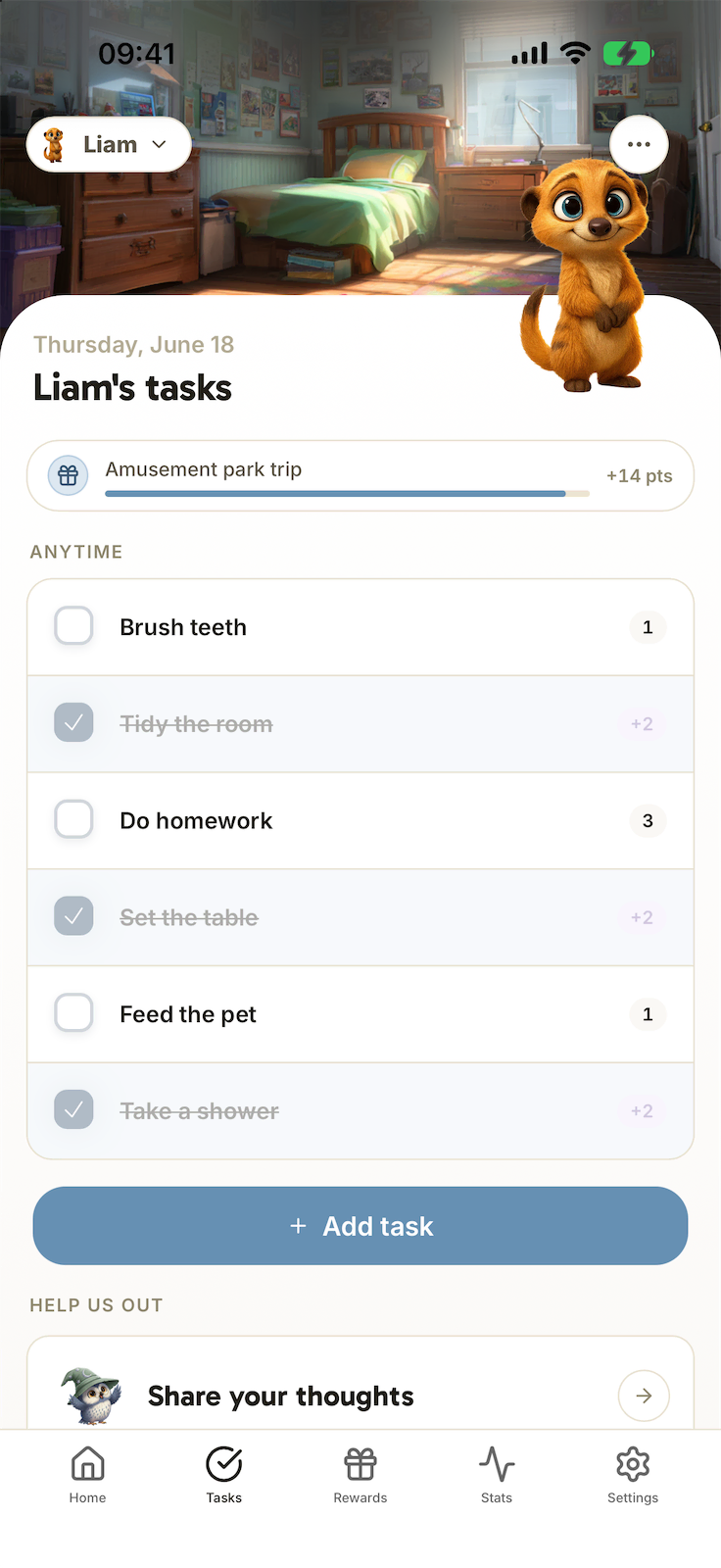
Every chore your child finishes brings them closer to a reward you picked together. They do it for that reward, so you stop asking ten times.



Calm mornings, Independent kids, Family time, No nagging, no yelling, Routines that stick, Gentler evenings, Fewer negotiations, The pride of succeeding, Clear rules, A lighter mental load, Homework without a fight, A calmer home, Visible progress, Everyday harmony
Routines are a daily battle.
Four moments where the day comes apart: the wake-up, the homework, the screen, the bedtime. That is where Harmonia has to work.
-
 Morning
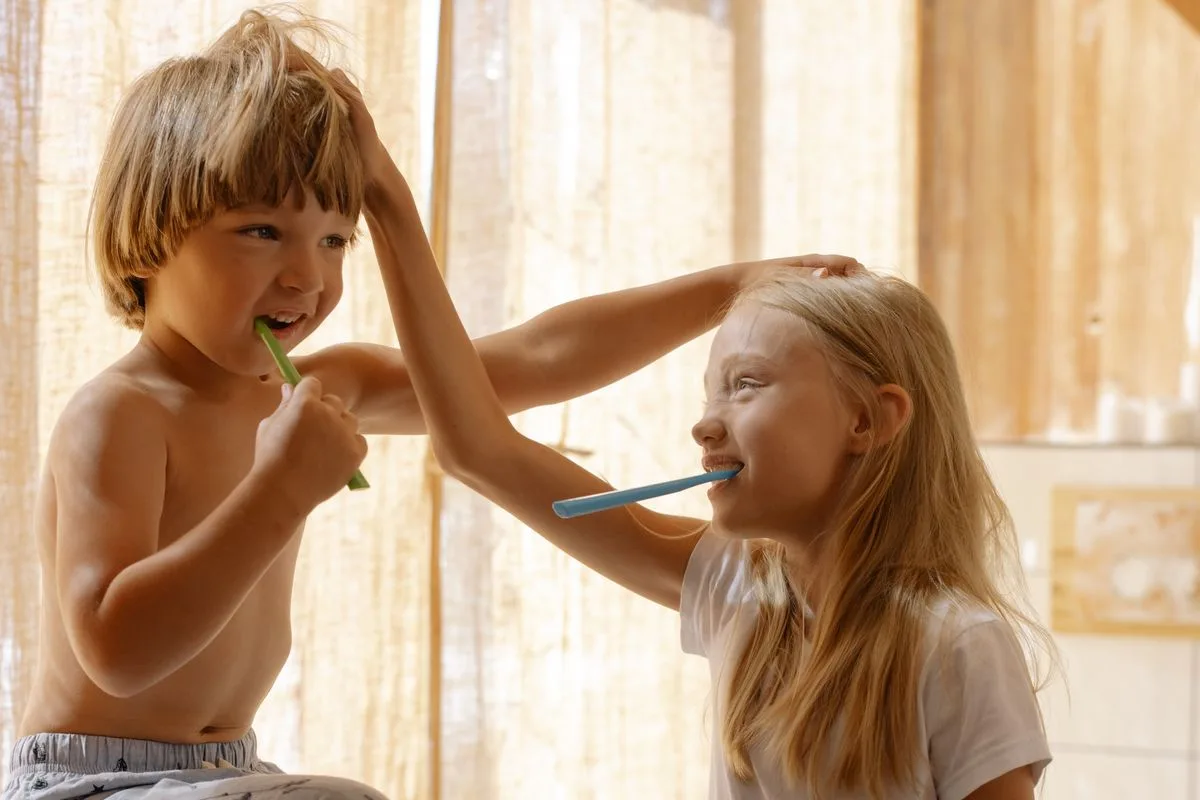
 "Brush your teeth!" for the twelfth time
7:12 a.m., the fourth reminder before school.
-
 After school
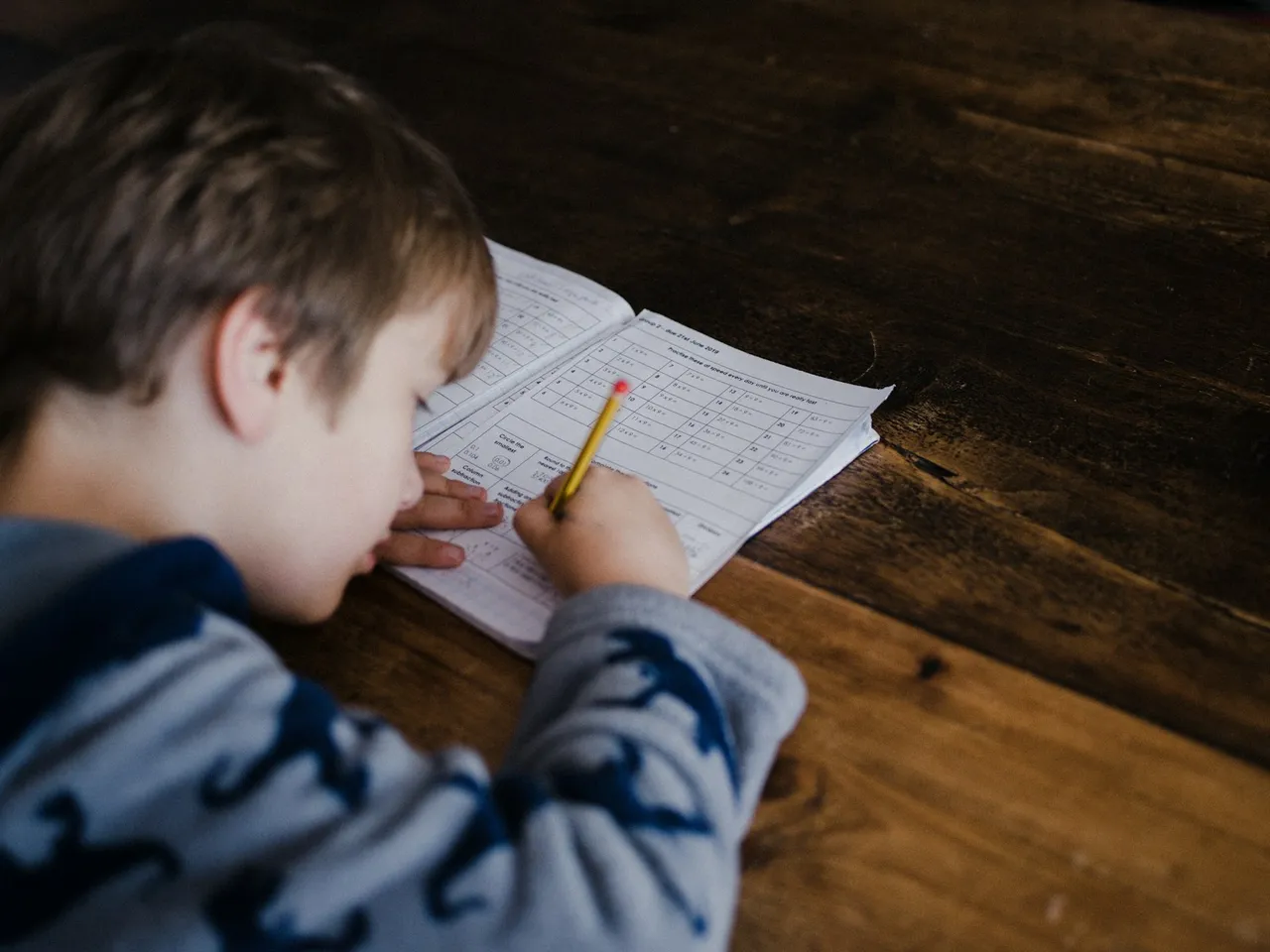
 Homework, a negotiation every afternoon
An hour of pushback for ten minutes of work.
-
 Before dinner
 The tablet used as a bargaining chip
"Tidy up and you'll get 30 minutes of screen time."
-
 Bedtime
 Evening tension that lands on the couple
Once the kids are asleep, we have nothing left to say.
Four steps to set the routine up.
Harmonia is the free chores and rewards app for children aged 5 to 14: visual morning and evening routines, tracked tasks and rewards chosen as a family, with no ads.
- 1
You create the tasks
Morning, homework and evening routines: start from 40+ ready-made templates, or build your own.
- 2
The kids do them
Lists in pictures understood from age 5. Kids check off their steps on their own.
- 3
They earn points
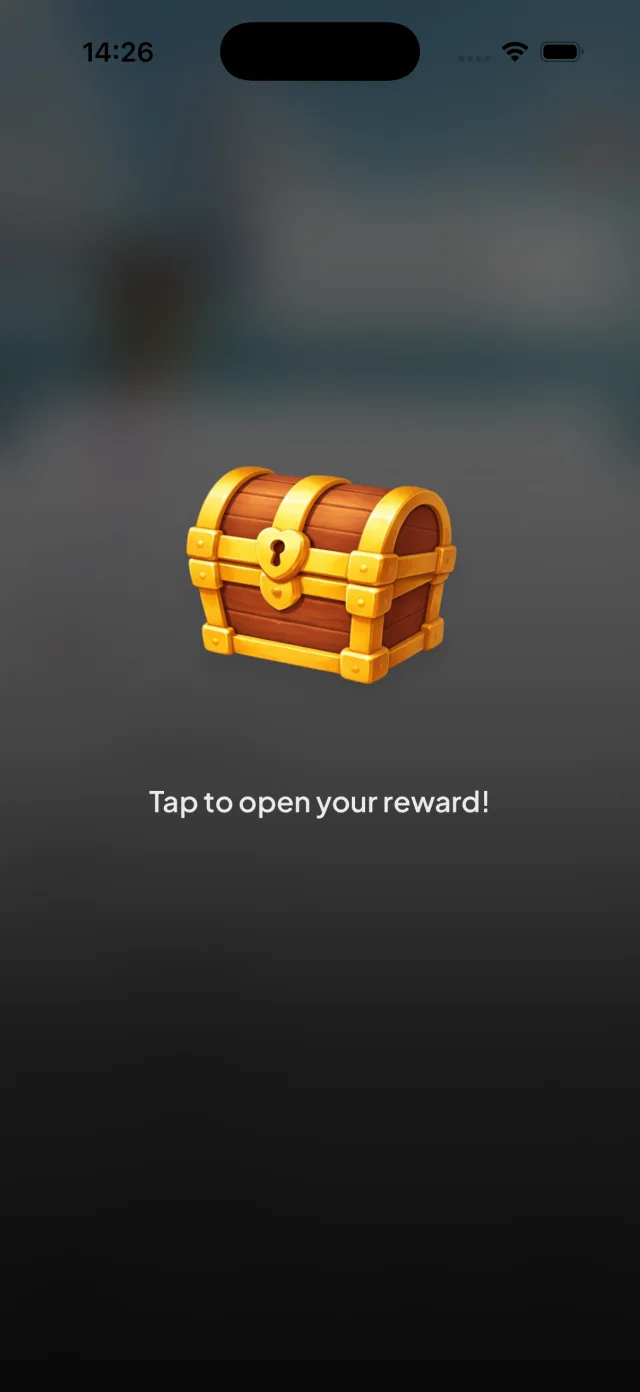
Every completed task earns points and customization items to unlock. Your child watches the collection grow, so they keep going.
- 4
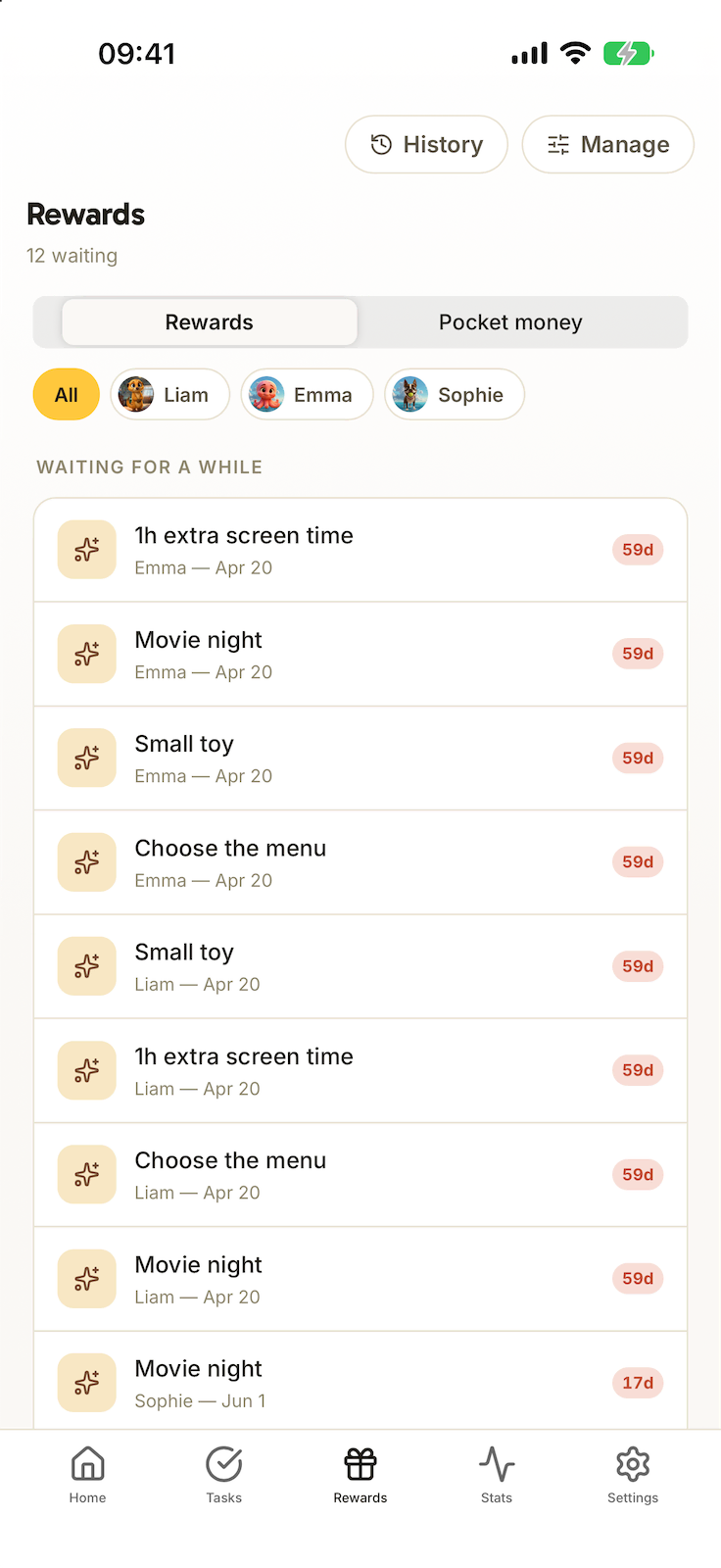
They unlock rewards
Objects, time with you, activities: you fill the store together.
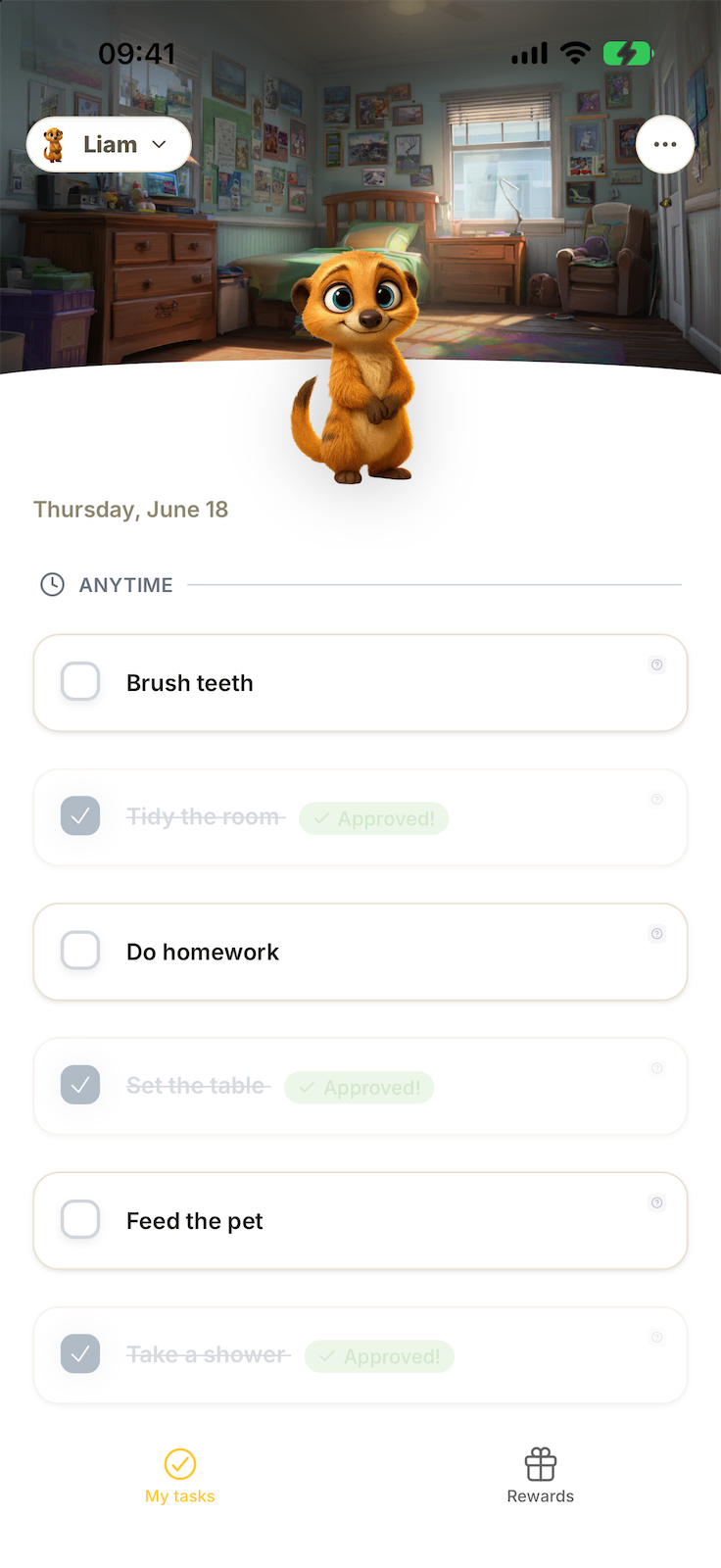
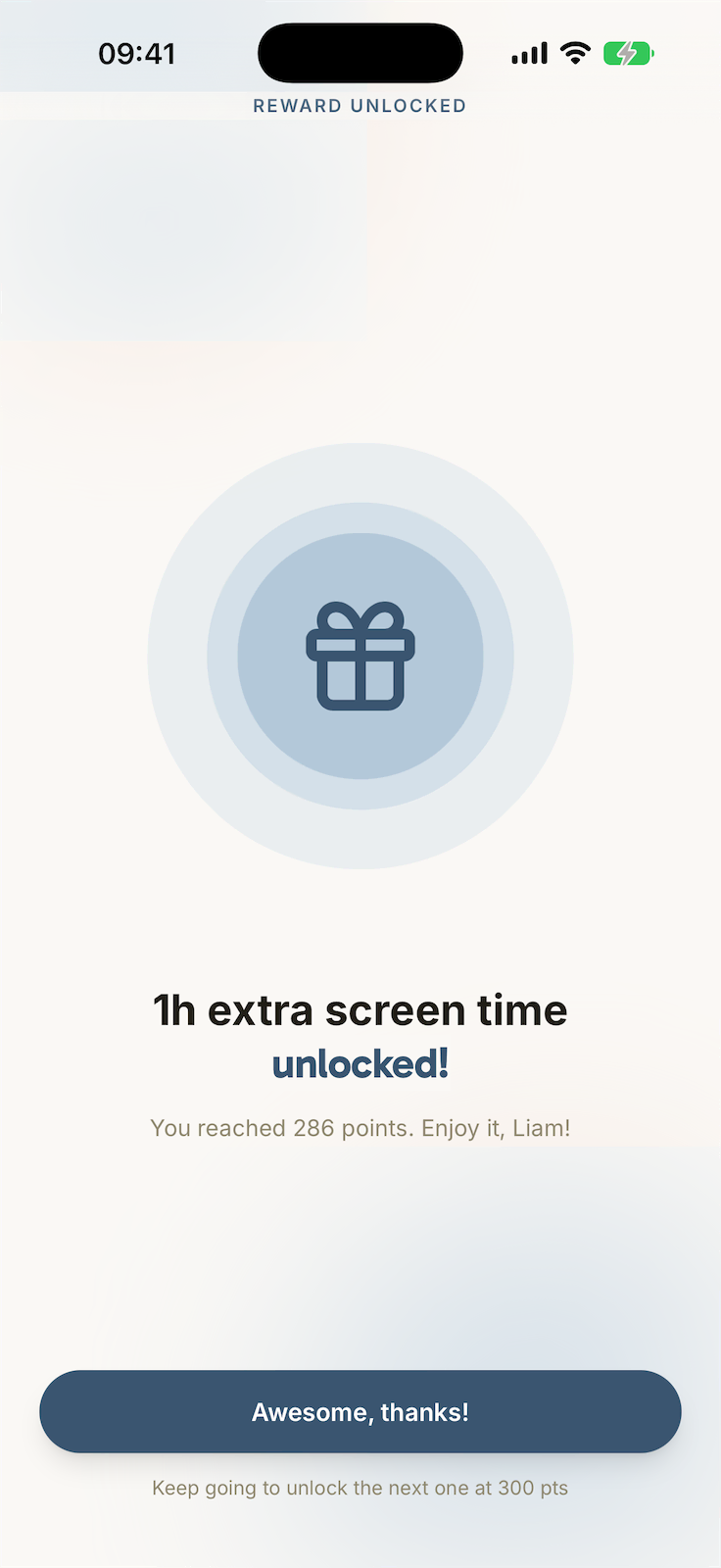
Free for the whole family. No limits.
Plenty of chore apps cap you at one or two children, then push you to pay. Not us.
- 1 or 2 children, max
- Push you to pay fast
- Ads and trackers
- As many children as you like
- Free for life, no credit card
- Zero ads, zero trackers
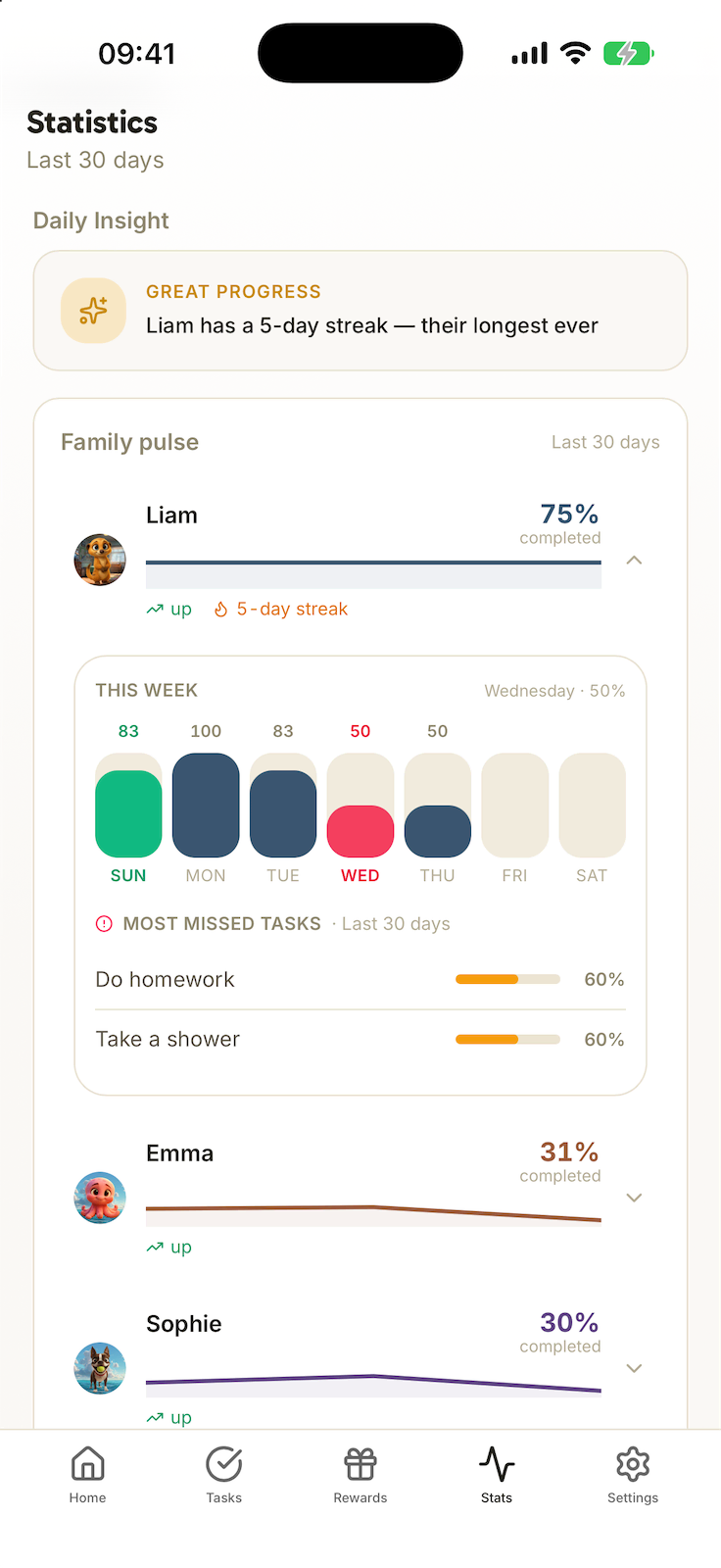
Take back control, without raising your voice.
A dashboard the co-parent, the nanny or the grandparents can see too, synced rituals and a weekly recap. You keep control of everything, including what each task is worth.
- Co-parent, nanny, grandparents
- Morning, evening and homework rituals
- A weekly recap, child by child
A game they actually want to open.
Kids come for the game: the day's missions, the items to unlock, the reward at the end. They pick up the habit without noticing, and still no ads.
- New missions every day
- Customization items to unlock
- Rewards to earn
- Harmony as the payoff
Rules hold better when your child has chosen them with you.
No ads, no data resale, no email address asked of children.
What our test families are saying.
"Mornings are finally calm. My daughter wakes up, opens Harmonia, and I don’t have to say a thing."
"My son is dyslexic. Routines in pictures changed everything: he finally feels capable."
"We’re a blended family with three parents. Harmonia gets everyone on the same page, and I’m no longer the one policing it all."
For families who want to go further.
All of Harmonia, with a little more: bonus tasks, streaks and chests, screen-time tracking and advanced stats. You can stop whenever you like.
Our guides for a simpler daily life
Practical articles to organise chores, build routines that stick, and motivate without shouting.
Chore Chart by Age, 3 to 14 (+ Free Printable)
Which chores can a 4, 7, 10 or 13 year old really handle? The complete chore chart by age, the mistakes to avoid, and a free generator to build your own.
Read the guideMorning and Evening Routine for Kids: Guide + Printable
Mornings without shouting and evenings without negotiation: age-by-age routines from 5 to 14, concrete tips and a free printable routine chart.
Read the guideReward Chart: The Method That Works (+ Free Printable)
How to use a reward chart without bribing your child: the principle of positive reinforcement, a 4-step setup, and a printable template to download.
Read the guideMontessori Routine Chart to Print: How to Use It
How to build a Montessori routine chart that makes the child the owner of their day: principles, mistakes to avoid, and a free printable chart.
Read the guideMornings can feel lighter. Start tonight.
Free, ad-free, and no email address needed for your child. Give it three minutes to set up.