

Stop repeating every reminder
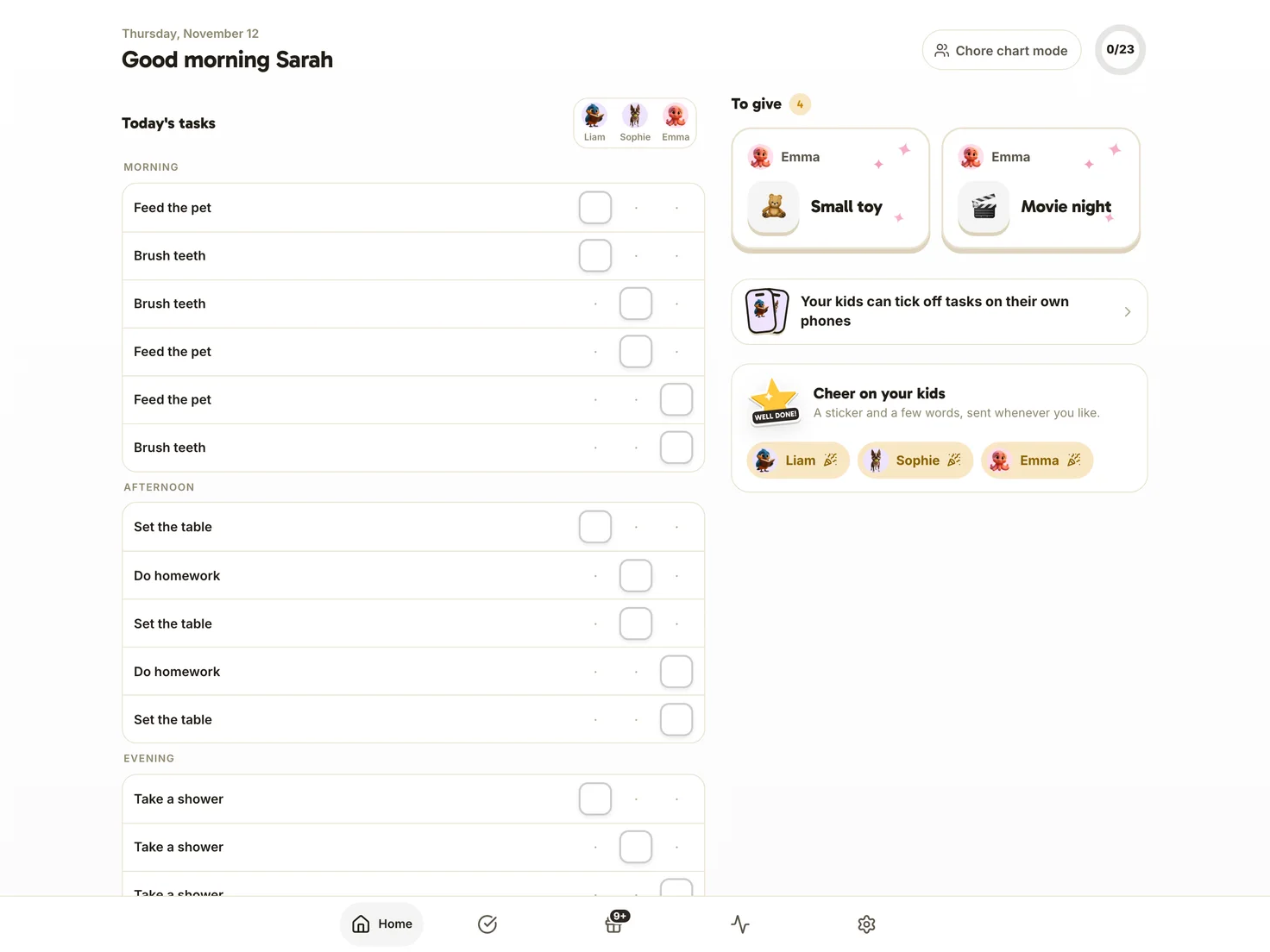
Decide who does what and when. The chore appears in your child’s space on the right day, so they can check the list without another reminder from you.

Free for one child, with no credit card or ads.


A clear time for each chore
“Tidy your room.” You’ve said it today, and you may have to say it again tomorrow. If Léa knows she tidies her room on Wednesdays after her snack, she already knows when to do it. That leaves fewer reminders for you. Start with one chore at a set time instead of giving her a whole list at once.
How it works in Harmonia
- 1Next step
You create the chore
Choose from over 40 templates or create your own chore. Set it for every day, Tuesdays and Thursdays, or three times a week. Pick a time of day and assign it to one child, everyone or each child in turn. You can leave a chore without points too, such as setting the table.
For parents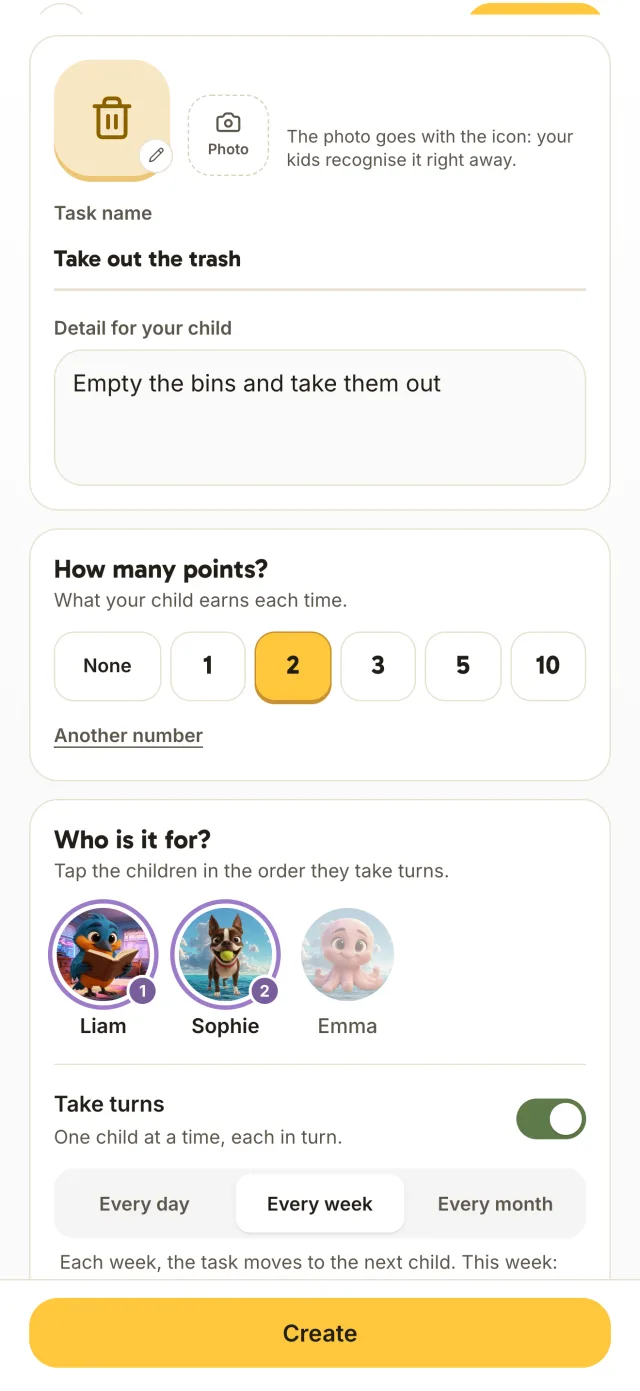
- 2Next step
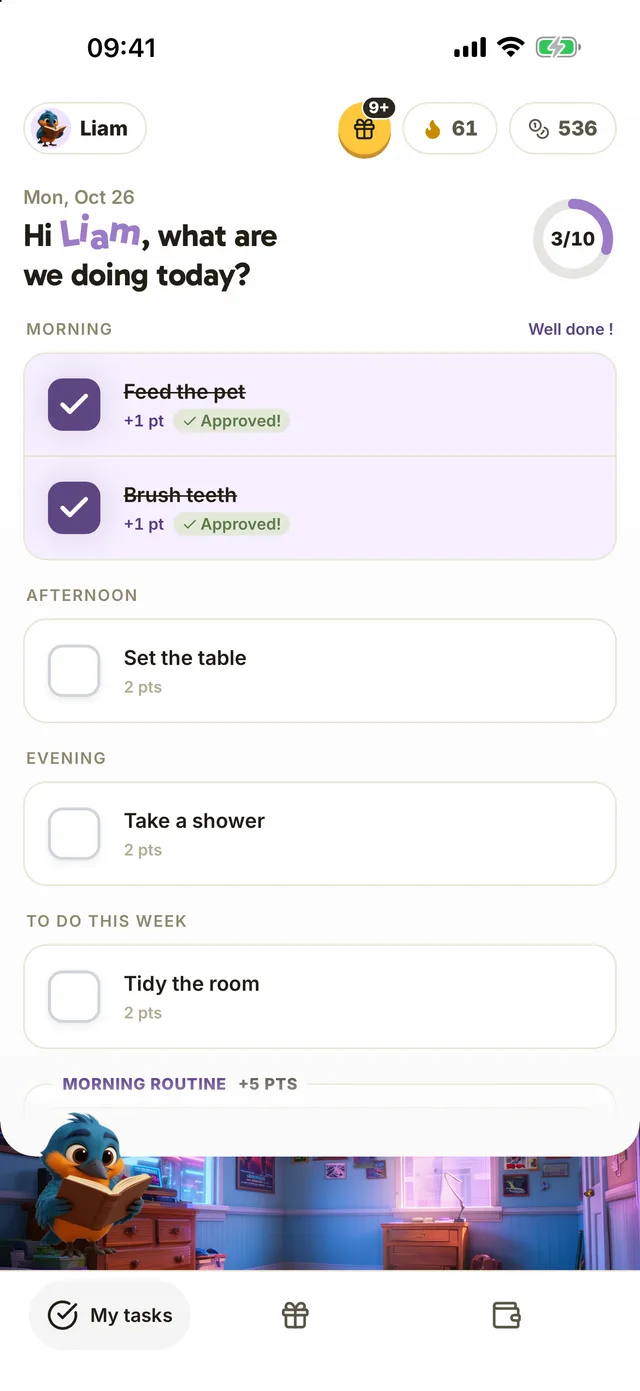
Your child sees the day’s chores
On their phone, yours or the family tablet, your child opens their space and finds the day’s chores. They check them off as they go, without asking you what comes next.
For kids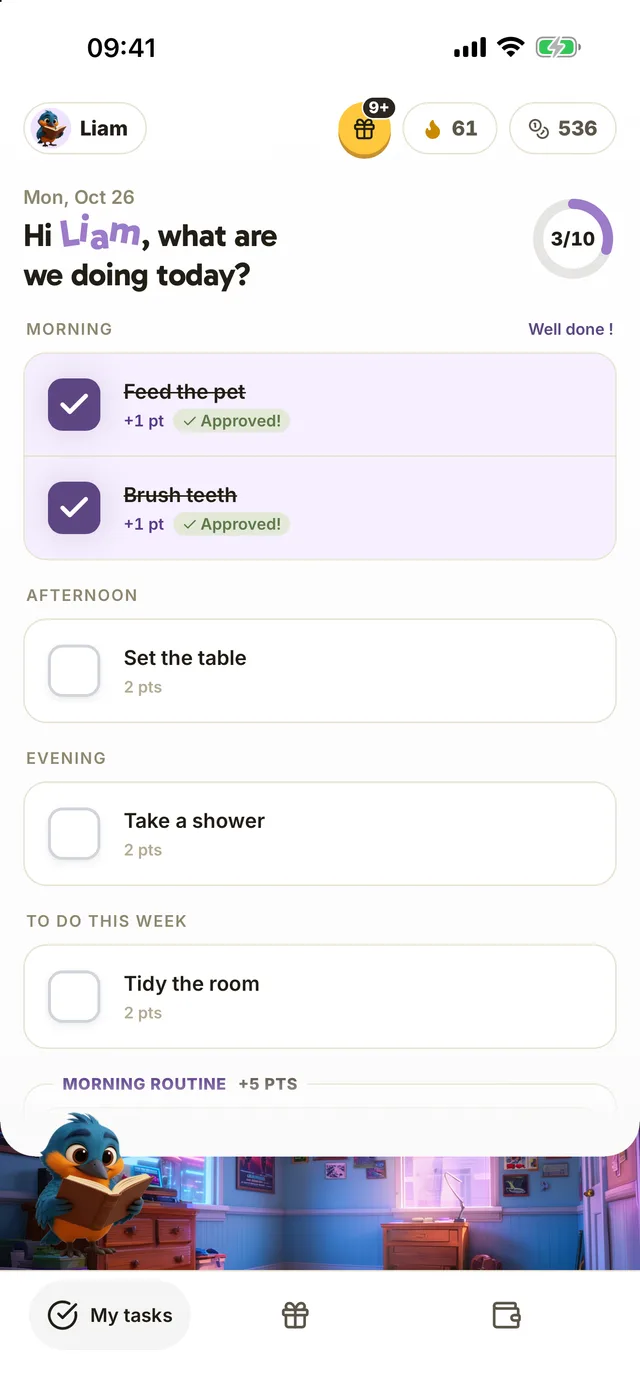
- 3
You approve
The Home tab brings all your children’s daily chores together. Check and approve completed chores, and your child receives their points. Harmonia also accounts for days spent at their other parent’s home.
For parents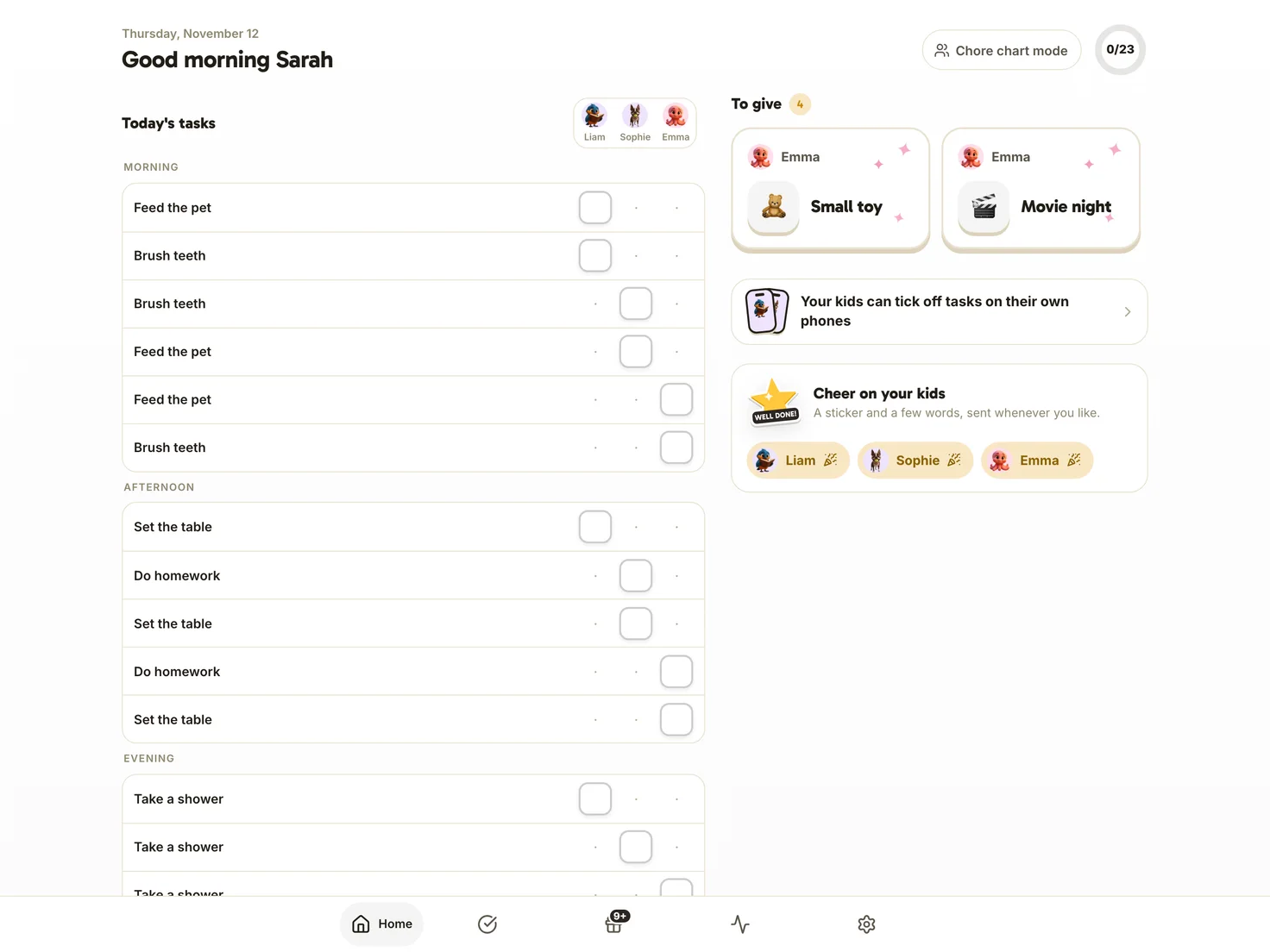

 +
 +

With Harmonia+, the other parent joins your household and sees the same chores, updated as you go. Whoever is at home can approve them.
Explore Harmonia+ One price per household, never per child
“Another list for me to manage”
Redraw the chart each week, fill it in, remind the kids to check it… Keeping the chart up to date takes work too. In Harmonia, you schedule a chore once. It returns on the days you choose, taking turns between children if needed. You just check and approve.
An Australian team surveyed the parents of 207 children aged 5 to 13. Children who regularly did chores had better working memory and self-control on average. The study found an association, not proof that one caused the other, and the researchers called for further work. (Tepper, Howell and Bennett, 2022, Australian Occupational Therapy Journal)
The core app is free for one parent and one child.
“Harmonia review I discovered this app by chance and found it very easy to use my daughter got motivated to do chores at home so I think the system is worth trying give it a go”
4.7 out of 5 on the App Store, 14 ratings
Create your first chore
Free for one child, with no credit card or ads.

More ideas for your family
-
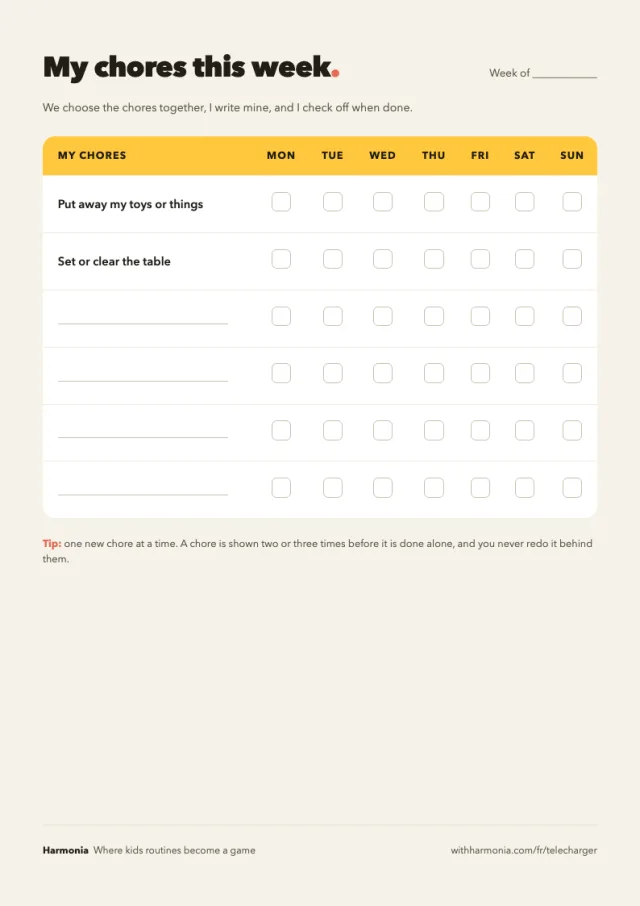 Printable chore chart Start on paper, or keep a copy on the fridge. Open the tool
-
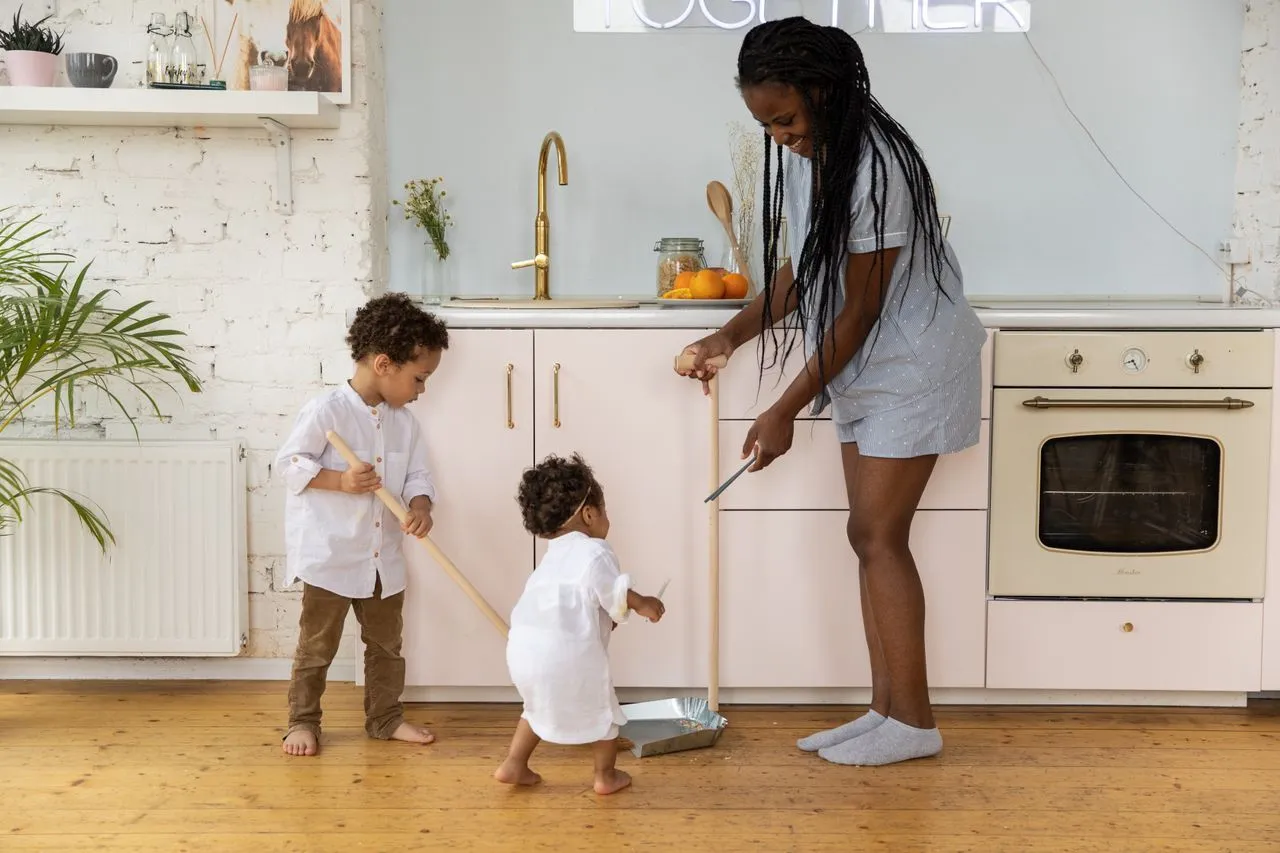 Chore Chart by Age, 3 to 14 (+ Free Printable) Chores to try at each age. Read the article
-
 Teaching Kids Responsibility: One Task at a Time Help your child do more on their own at home. Read the article
-
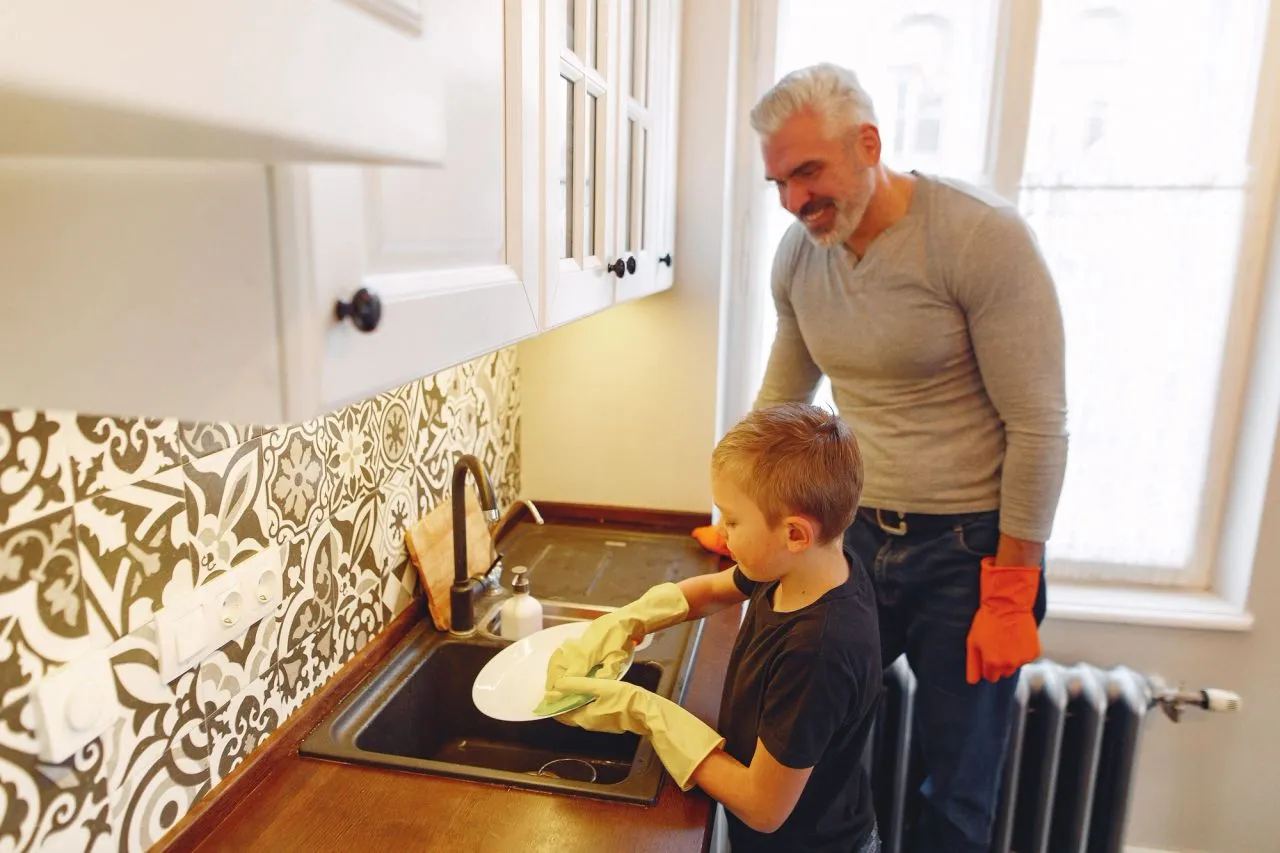 Household Responsibility Chart to Print A responsibility chart for the whole household. Read the article
-
 Chores for Teenagers 13 and Up Responsibilities that grow with your teenager. Read the article

Your questions about chores
Another question? Get in touchHow long does setup take?
Start with a template, then choose the chore’s name, day and child. Deciding which chores to give them takes the most thought. Our guide to chores by age can help you choose. You can adjust the schedule later.
How do we avoid “it’s not my turn” arguments?
Set the chore to rotate. Harmonia assigns it to each child in turn, and they can see whose turn it is. Each child also has their own points and reward goals, without a sibling leaderboard. Taking turns needs at least two child profiles, so it requires Harmonia+, from $2.99 a month for the household.
Can both parents approve chores?
Yes, with Harmonia+. The other parent joins your household, sees the same daily list and can approve chores too. The free version covers one parent and one child.
Start with one chore
Choose the chore you remind them about most often and schedule it tonight. It will appear in your child’s space on the days you pick.
Free for one child, with no credit card or ads.
Sophie and Sébastien, the parents behind Harmonia